
In today’s digital world, our photos and files hold countless memories and crucial information. Losing them due to device failure, accidental deletion, or other issues can be heartbreaking and stressful. That’s why backing up your data regularly is essential. This guide will walk you through easy and dependable methods to back up your photos and files, whether you’re a beginner or just looking to improve your backup habits.
Why Backing Up Your Photos and Files Matters
Backing up means making copies of your data and storing them separately from your original files. This way, if something happens to your device, you can restore your information without loss.
Common reasons for loss include:
– Device damage or theft
– Accidental file deletion
– Software corruption or failures
– Ransomware or malware attacks
By backing up your data, you protect yourself from these risks and ensure your photos, documents, and other files are safe.
Types of Backup Solutions
Before you start, it’s helpful to know the main backup options. Each has its pros and cons, depending on your needs.
1. External Hard Drives or USB Drives
These are physical storage devices you connect to your computer. They offer a good mix of speed, capacity, and control.
Advantages:
– Easy to use and set up
– No ongoing costs after purchase
– Large storage capacities
Considerations:
– Can be lost, stolen, or damaged
– Need to remember to perform backups regularly
2. Cloud Storage Services
Cloud backups store your files on remote servers maintained by companies like Google, Dropbox, or Microsoft.
Advantages:
– Automatic backups and syncing
– Access files from anywhere with internet
– Often include version history
Considerations:
– Monthly or yearly subscription fees may apply
– Requires internet access
– Privacy depends on provider policies
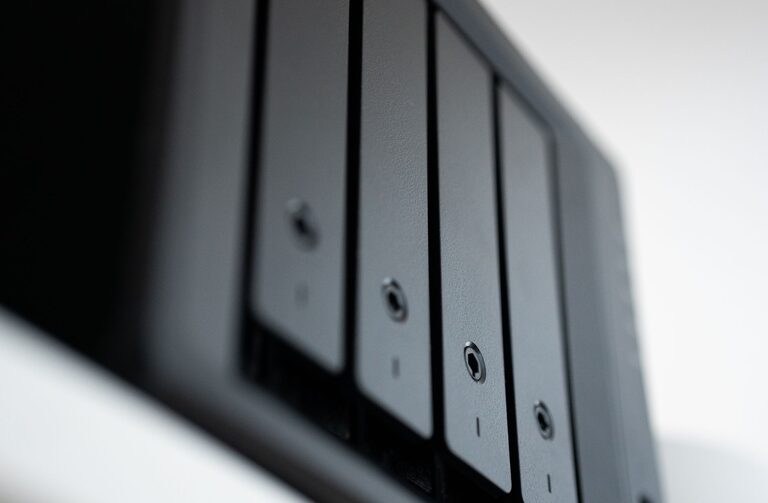
3. Network Attached Storage (NAS)
NAS devices are like personal cloud servers in your home, allowing multiple devices to back up to the same storage.
Advantages:
– Centralized backup for multiple devices
– Controlled access and privacy
– Can configure automatic backups
Considerations:
– Initial cost can be higher
– Requires some technical setup
Step-by-Step Guide to Backing Up Your Photos and Files
Step 1: Organize Your Files
Start by sorting your photos and important files into clearly labeled folders. This will make it easier to select what you want to back up and restore later if needed.
Step 2: Choose Your Backup Method(s)
Consider using more than one backup method for extra safety. For example, you might use both an external hard drive and cloud storage.
Step 3: Back Up to an External Drive
– Connect your external drive to your computer.
– Manually copy and paste your folders, or
– Use backup software that can automate the process (such as Time Machine for Mac or File History for Windows).
– Make sure the backup completes before disconnecting.
Step 4: Set Up Cloud Backup
– Sign up for a cloud service if you don’t have one.
– Install the provider’s app on your devices.
– Select which folders to sync or back up automatically.
– Enable automatic backup settings to keep your data updated without manual effort.
Step 5: Schedule Regular Backups
Backing up once is good, but keeping your backup current is better. Set reminders or automate backups so your data stays protected over time.
Step 6: Test Your Backups
Periodically check your backups by restoring a file or two. This confirms the backups work correctly and the files aren’t corrupted.
Tips for Effective Backups
– Keep backups in multiple locations: Store at least one copy offsite (like in the cloud or at a friend’s house) in case of fire or theft.
– Encrypt sensitive files: Use encryption tools provided by some backup services or third-party apps to protect private data.
– Update backup software: Keep your backup tools updated to benefit from security and performance improvements.
– Include all important devices: Don’t forget phones, tablets, and other devices where you save photos and files.
Conclusion
Backing up your photos and files is one of the best ways to protect your digital life. Whether you choose an external hard drive, cloud storage, or a combination of solutions, regular backups will give you peace of mind. Take some time today to set up your backup system and avoid the stress of data loss in the future. Your memories and important documents are worth it!
About the Author